 The game
You start at the top of the pyramid and work your way down. Every room hands you some combination of ladders, ropes, fireman’s poles, conveyor belts and floors that blink out from under you, then asks you to cross it without touching a snake, a spider, a rotating skull or a pit of fire.
Colored keys open the same colored doors. A sword lets you take out exactly one Skull or Spider (snakes are immune to the sword). A torch is the only way to see in the deepest rooms - without one, they are very dark. Exit from the bottom of the pyramid and you fall into a bonus stage, grabbing jewels against a countdown, and then the whole pyramid starts again from the top, one difficulty higher.
- 99 rooms across a nine-row pyramid
- Nine difficulties - start at 1, 2 or 3, and it climbs every time you clear the pyramid
- Five lives, and an extra one every 10,000 points
- Three key colors and the doors they open
- Jewels, amulets, swords and torches to collect
- Dark rooms you cannot easily cross without a lit torch
- Animated fire pits and blinking floors that disappear underfoot
- Conveyor belts, blinking laser chains, ropes, poles and ladders
- Snakes, spiders and skulls that stalk their room
- Jewel-catch bonus stages under the clock
- Twelve sound effects, and an attract mode that plays itself
- A ten-place high-score table, saved back to the disk
Who you will meet


What you will find
 Blue key
 Red key
 Cyan key
-
Jewel
 Sword
Sword Amulet
 Torch
Torch Fire
Fire
See it running
Just over two minutes of play across a handful of rooms.

Screenshots
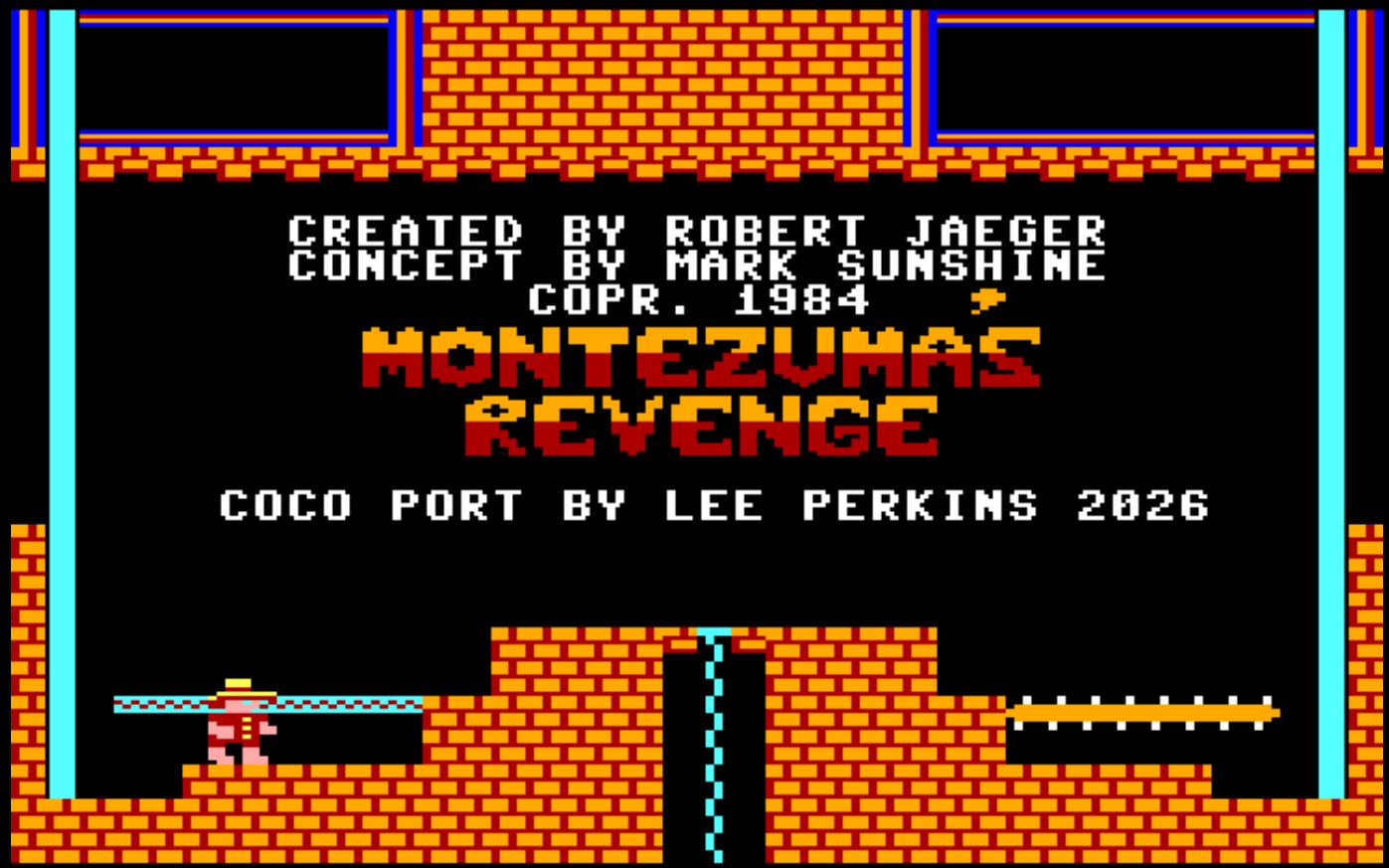
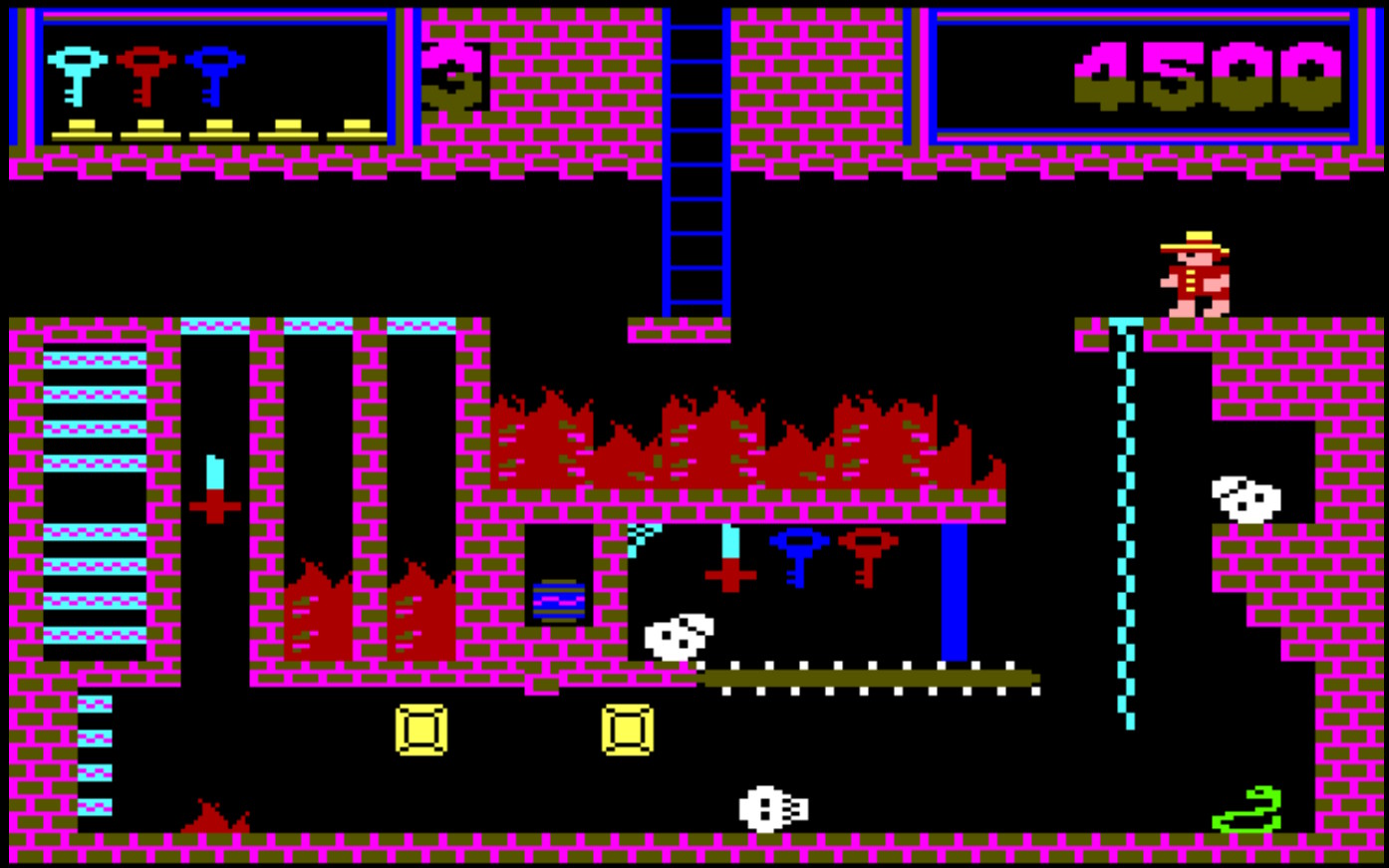
Click any screenshot to see it full size.

Controls
| ← → ↑ ↓ | Walk, and climb ladders and ropes |
|---|---|
| SPACE | Jump. Hold a direction as you jump to leap that way, or to let go of a rope or pole. There is no fire button - if you are carrying a sword it deals with the first creature you walk into. |
| P | Pause and resume |
| Q | Quit back to BASIC |
There are parts of this game that are fairly unforgiving; jumps that seem too far unless you're hanging off the edge, ladders can sometimes be frustrating to mount or dismount. These are true to the original C64 game and certainly add to the feeling of accomplishment when you finally perfect them.
Joystick
Either joystick can be used. At the title screen, press K to play on the keyboard, or press the button on whichever stick you want to use. In play, the stick moves Joe and its button jumps.
Starting a game
The title screen asks for your input device first, then for a difficulty: press 1, 2 or 3 and the game begins straight away. Leave it alone for twenty seconds without select the input device and it shows you the high-score table and a demo instead.
After a game
At GAME OVER, any key or the joystick button carries on. If your score makes the table, type your name with the letter keys, ← to correct a mistake, and ENTER to save it to the disk.
Beginner’s Luck
If you run out of lives still on difficulty 1, after GAME OVER you will restart in the same room with all your inventory. Your score will reset to 0 and you will be given 5 lives again. This only happens once. If you die again on difficulty level 1 its GAME OVER for real.

Getting it running
Download the disk image montrev.dsk · 157 KB · v1.1
What you need
- A CoCo 3 with 512K. The game will not run on a 128K machine.
- A disk drive, or an emulator with disk support. VCC, XRoar and MAME all run it.
- An RGB or composite monitor (or equivalent) to run on real hardware. The loader has a palette for each, so the colors are right either way.
- A joystick, if you like. The keyboard is a first-class option, not a fallback.
Loading it
Put the disk in a drive and type:
DRIVE #ENTERRUN"MONTREV"ENTER
Replace # with the drive number you put the disk in.
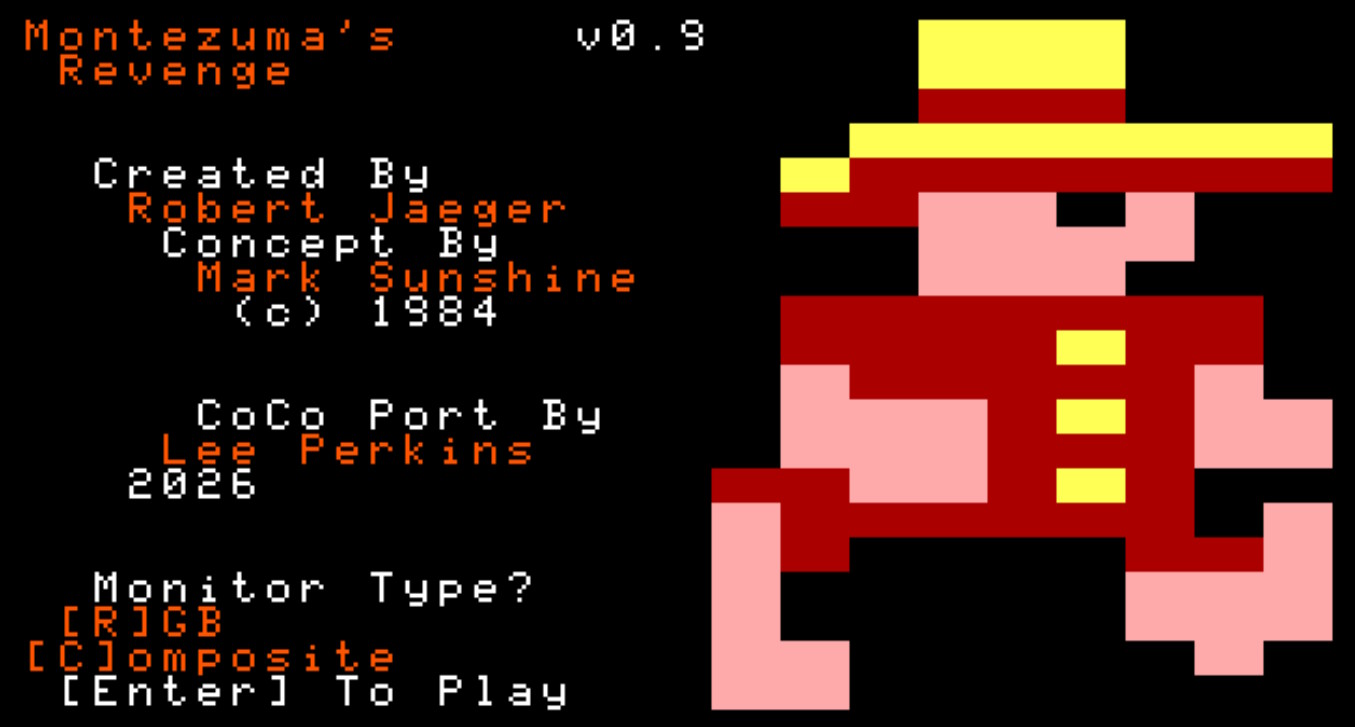
Press R or C for RGB or composite - the screen recolors as you select, so you can pick whichever looks right (Joe's clothes should be red and his hat should be yellow) - then ENTER. A loading bar fills while the sprites, tiles and rooms stream into memory, and the title screen follows.
One thing worth knowing: high scores are written back to the disk image, so leave it un-write-protected. If the game cannot write to it you will see SCORES NOT SAVED on the high-score table, and that session's scores are forgotten when you switch off.

About the port
This is not a conversion of anyone else's code. It is a fresh implementation in 6809 Assembly, built on a sprite and tile engine written to imitate the Commodore 64's hardware sprites and character tiles. The CoCo 3 has no sprite hardware at all, so the engine has to supply it - and once it behaves like the C64's, other games of that era get a good deal easier to bring across.
Underneath, it runs in the GIME's 320×200 sixteen-color mode with two screen buffers and a dirty-cell renderer, so only the parts of a room that actually changed get redrawn. Joe's movement and your input are sampled sixty times a second, while rendering and the creatures' logic run on a slower cadence spread across three frames. The "ROM"s are switched out at startup and portions of the 512K are banked in and out as sprites, tiles, room data and save buffers are needed.
The palette is chosen at load time from two hand-tuned sets, and the sound engine drives twelve effects. It has been tested on real hardware throughout, not only in emulation.
Every sprite and glyph on this page was extracted from the game's own source rather than drawn again: the tiles are its 4-bit pixel data, the sprites come from running its draw routines, and the colors are the equivalent palette values the GIME is handed.